
Best at highlighting
Years of iteration and site-by-site compatibility work, built for highlighting and annotating real web pages.
Highlight text, write notes and clip articles on any web page
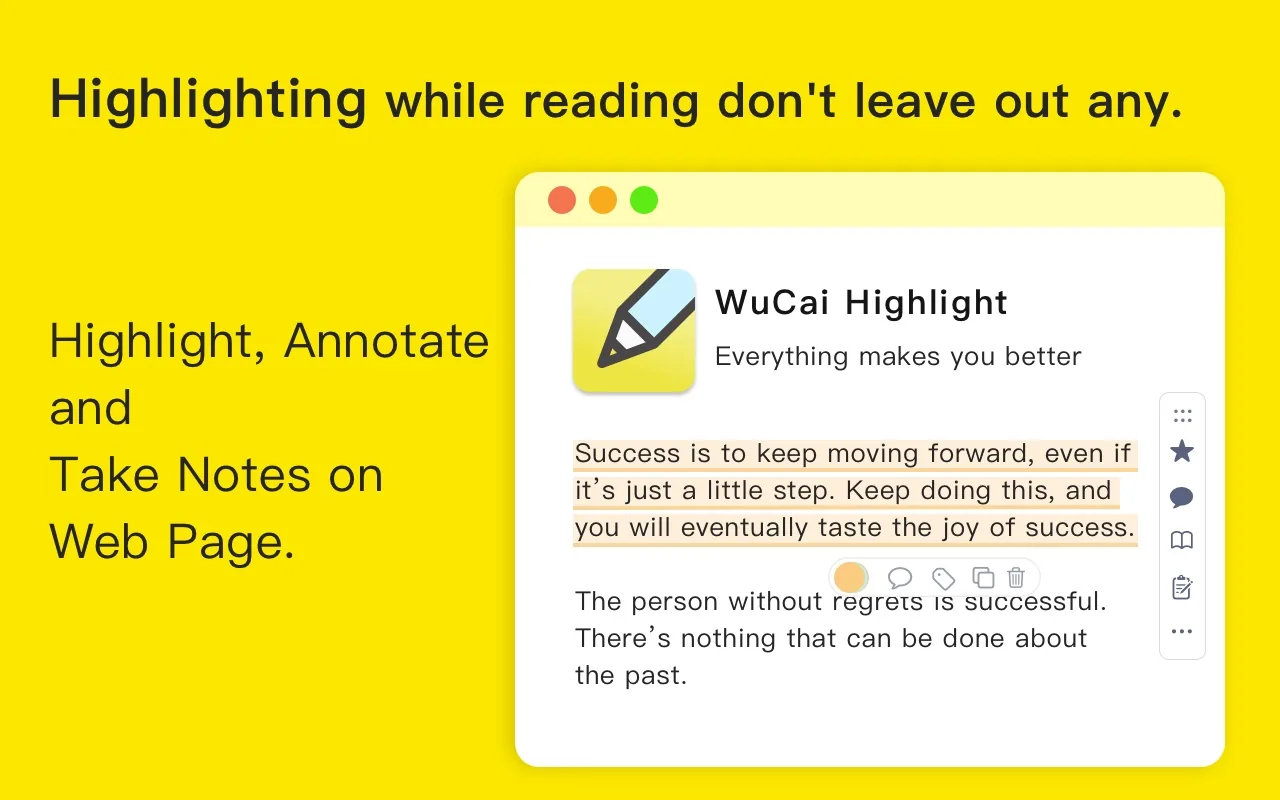
Highlight and annotate a web page — select text to highlight it, then click the highlight to change the colour, write a note or add tags. How highlighting works →
Capture a page before it changes — the screenshot tool saves any area of a web page, so quotes and layouts stay readable later. Page screenshot →
Sync to your own notes — Obsidian, SiYuan and Logseq all connect, and what arrives is your highlights, notes and page notes. Sync and export →
Pick up on another device — highlights live in the cloud, so your work laptop, home computer and tablet all show the same library. Dashboard and mobile →
Connect it to your own workflow — an open API, already used by uTools, PopClip, Quicker and OpenClaw integrations. WuCai API →
More answers in the FAQ; if nothing helps, contact us.
WuCai Highlight is a small tool for one job: making sure what you read on the web stays with you, and stays in your own knowledge base.