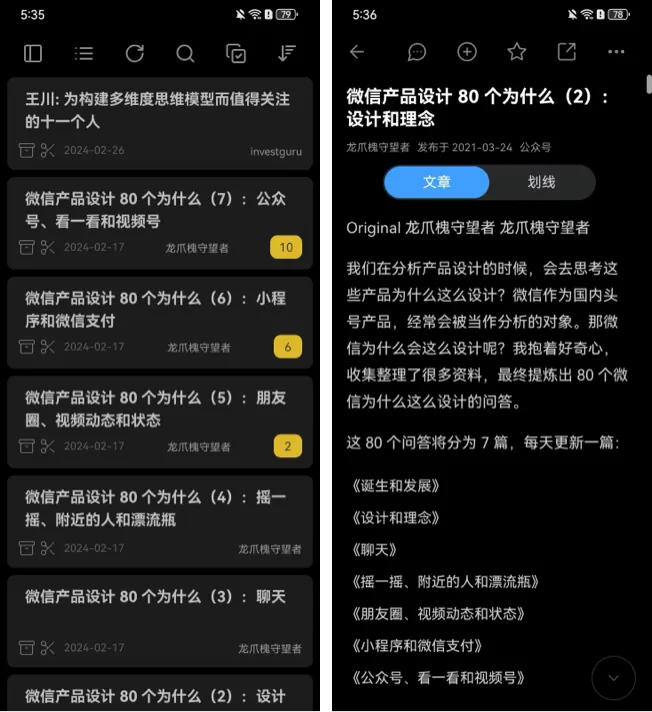
Dashboard and mobile use
The WuCai dashboard works in a desktop browser, a mobile browser and as an installed PWA. The layout adapts to the screen size.

Add the dashboard to your phone home screen
Turning the web app into a home screen shortcut gives you an experience close to a native app:
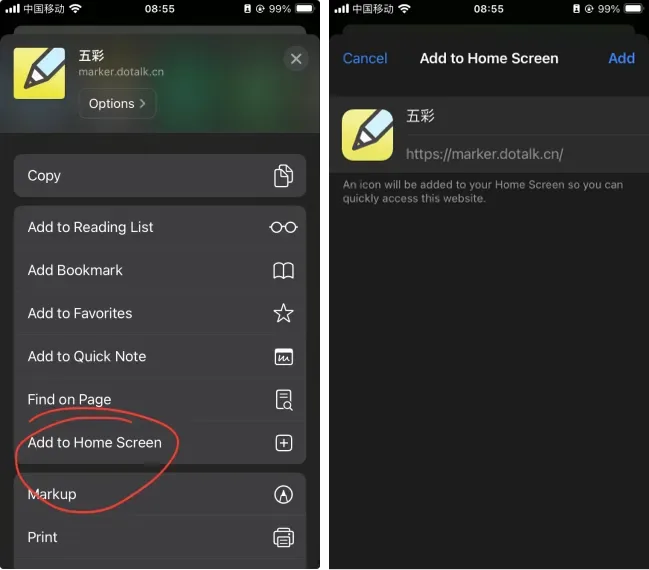
- open the WuCai dashboard in your browser
- choose "Add to Home Screen"
Add it on iPad
On iPad you can send the dashboard page to the home screen directly. The path is:
- Settings → Apps & services
- → App permission usage
- → find the browser you use
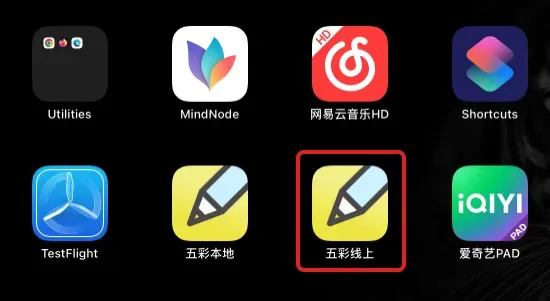
The result:
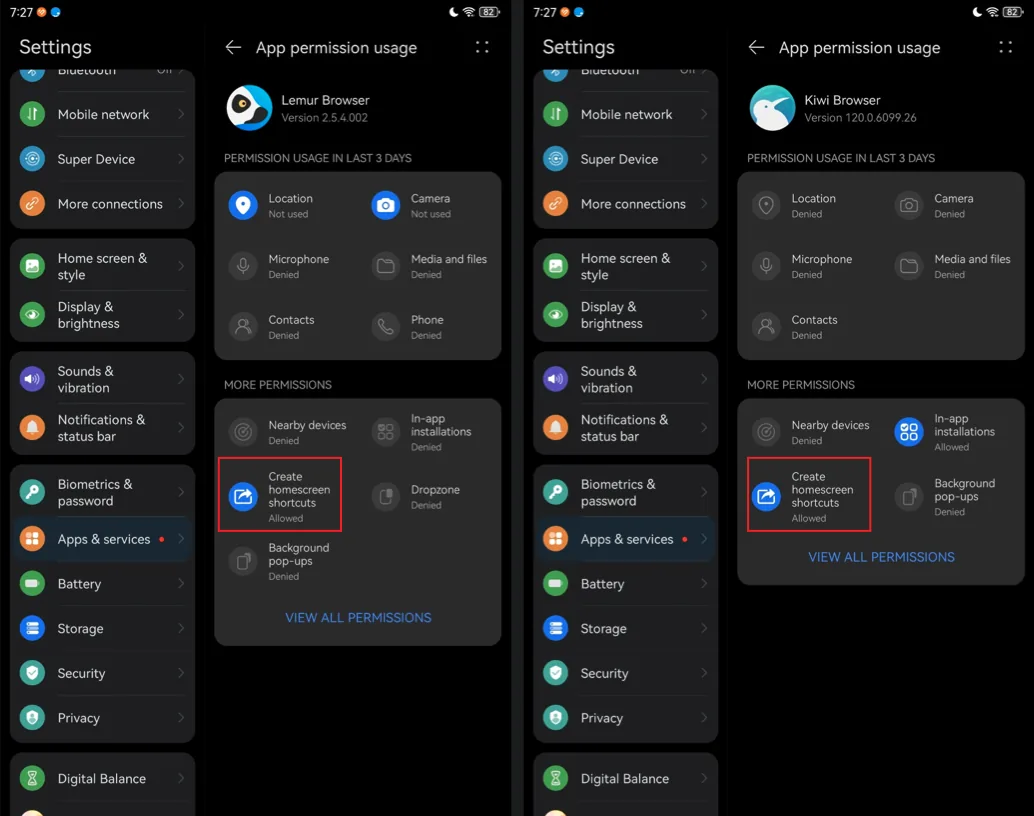
Huawei devices
Huawei tablets and phones require an extra permission before a web page can be added to the home screen.