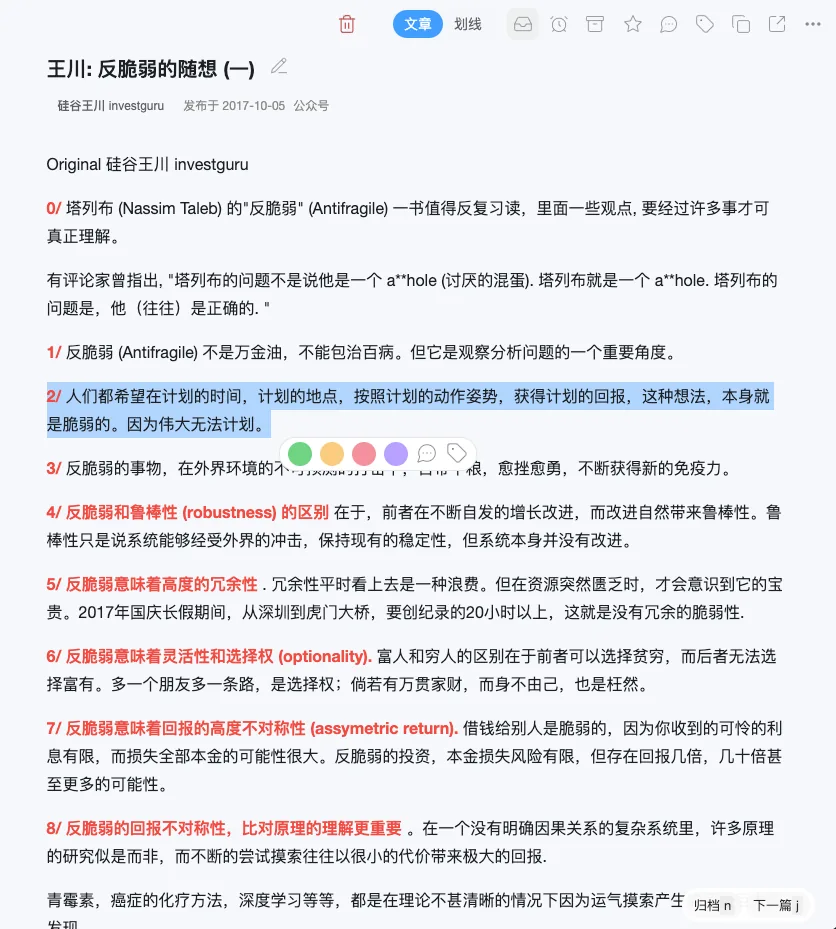
Full-text clipping
Coming soon
Full-text clipping is not available in the overseas version of WuCai Highlight yet. This page describes how the feature works so you know what to expect once it ships.
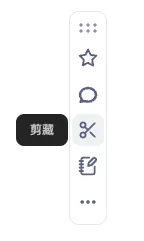
WuCai Highlight will clip articles in two ways: the clipping button in the browser extension, and the WuCai Assistant.
The difference between them:
- Browser extension clipping has no site restrictions and is the more capable option.
- Articles that require a login can be clipped.
- Assistant clipping is convenient but limited.
- It is designed for WeChat official account articles: forward one to the assistant and it is saved.
- It fetches the page through WuCai servers, so articles behind a login cannot be clipped this way.
Rate limit
Frequent clipping through the assistant can trigger throttling: at most 200 articles per day and 600 per month. Higher quotas will not be available.
Clipping an article with the browser extension
Planned behaviour: click the clipping button on the mini sidebar, or use the keyboard shortcut (set in the extension preferences).
Once clipped, the article can be read in the WuCai dashboard.
How a clipped article will look